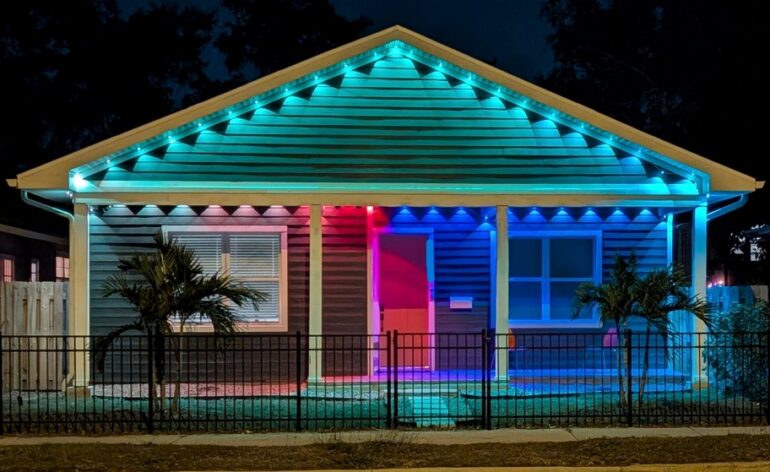
Lepro E1 and EE1 Permanent Outdoor Lights Review
Everyone wants their home to feel special. We do this in many ways. Keeping our lawn better manicured than our neighbors. Parking a fancy car in the driveway. Maybe a new coat of paint. One popular way has been to add outdoor lights. With the advent of robust LED lights, you can now add lights that are up all year round and can change based on the season. No more putting up and taking down lights for the holidays! We take a closer look at the Lepro E1 Permanent Outdoor lights.
Editor’s Note: This review was conducted on the E1 lights. The differece between the E1 and EE1 is that the E1 is single direction and the EE1 are dual. If you need the lights to spilt into two different directions from a central point, the EE1 are for you. If you only need one direction, the E1 are the better choice.
Specs
- AI-Crafted Lighting — Millions of dynamic effects auto-generated beyond traditional presets.
- Dual Lighting Modes — Vibrant RGBIC colors + tunable white (2200K–6500K) for daily or holiday use.
- Built to Last — Waterproof, rated for 50,000 hours, and proven to withstand -4°F to 140°F.
- Smart & Interactive — App control, Alexa/Google voice, timers, schedules, music sync, group control etc.
- 3-Year Warranty — Enjoy long-term reliability backed by Lepro’s extended 3-year warranty on the light strings.
- All-Season Lighting — Everyday brightness, cozy accents, game-day cheer, or festive holiday glow — all in one.
- WLED Compatible — Dual WS2811 IC chips ensure smooth performance and easy integration with WLED software. (Requires a separate 24V WLED controller and power supply.)
Lepro E1 Overview
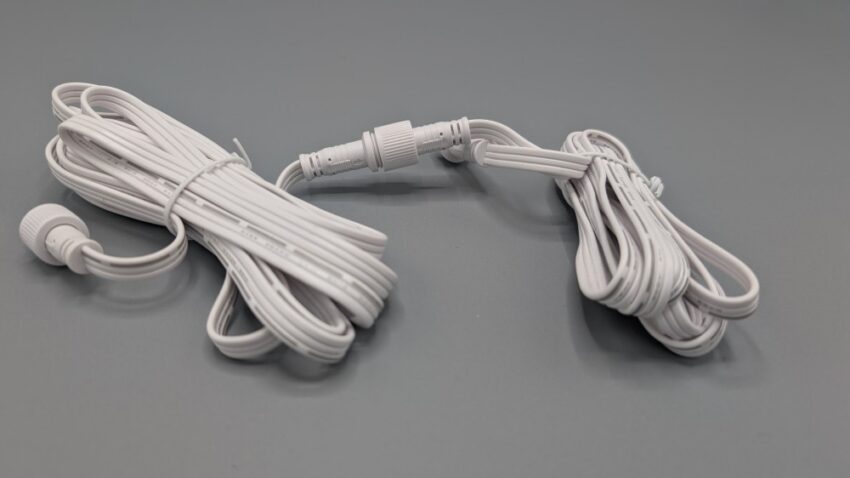
The Lepro E1 lights are sold in a number of different lengths (from 50 to 150 feet for the E1, double that for the EE1), but you aren’t receiving one string of lights. Each box has a number of 25-foot lengths that you can connect together. This means if you order too many, you aren’t stuck with a bunch of lights with nowhere to go. It also means that you can add more lights easily if you end up ordering not enough. There are extension packs that you can order separately.
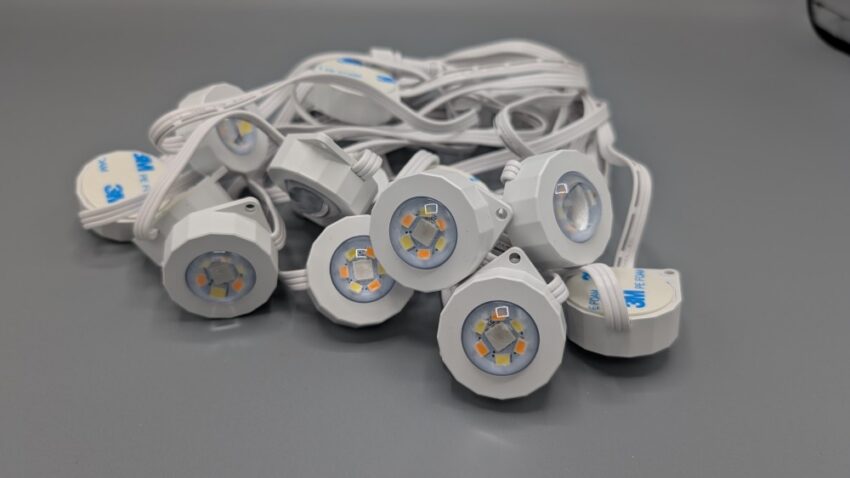
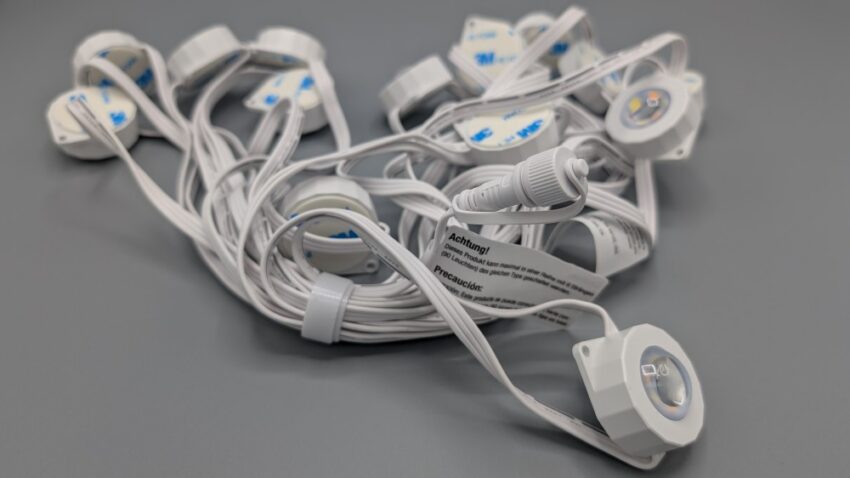
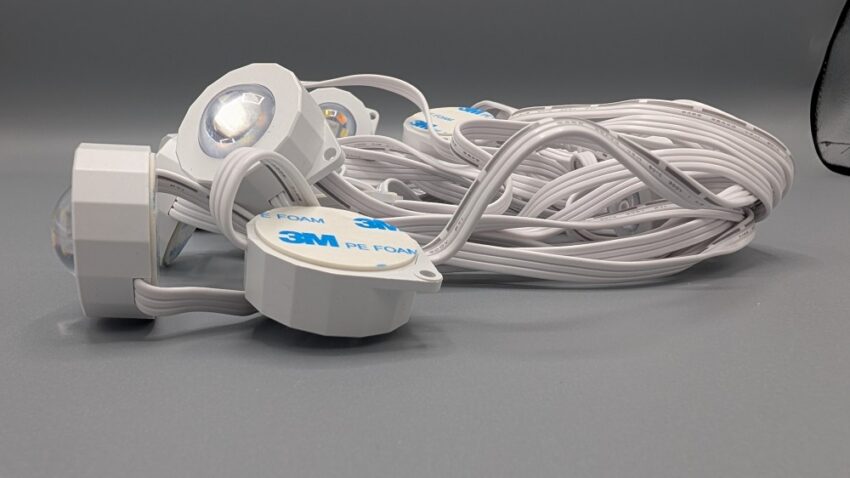
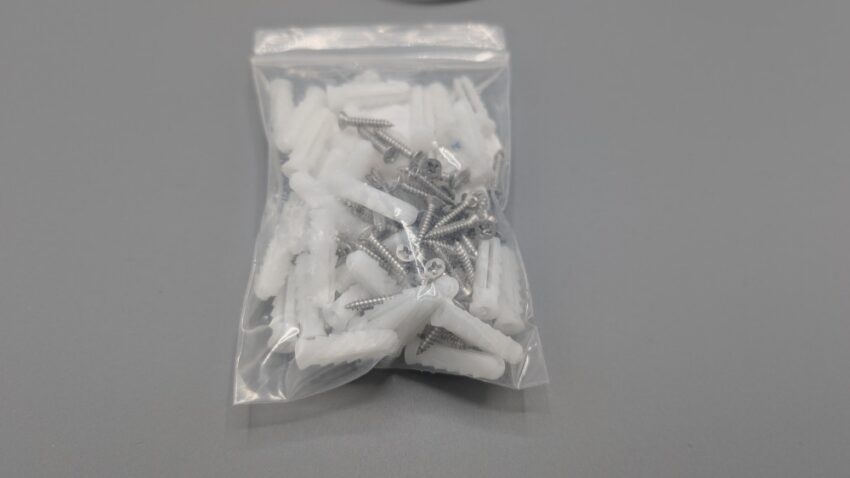
The lights are small and light with a 3M adhesive backing that can be used to stick the lights under your eaves. They also include screws and drywall anchors if the adhesive isn’t working for you. If one of the adhesives fails to stick (more on that in a bit), there are additional double-sided pieces you can use to replace them.
The lights aren’t designed to be viewed directly (like Christmas lights). Instead, they reflect the light off the side of your home. Ideally, you would place all the lights the same distance from the wall of your home. The lights are spaced about 20 inches apart so you could do some fairly basic math and figure out how to place them optimally to get the best and most even coverage. I didn’t, but you could.
Installation
Other than the cost, the biggest concern people have with installing outdoor lights is the difficulty. The soffits under the eaves of my home are mostly plastic. They aren’t super firm and were a bit of a pain to work with. Near the doorway, there was wood siding that I could have used the included screws, but I didn’t feel like dragging a driver up the ladder and used nothing but the adhesive for attaching the lights. Spoiler alert, it has worked perfectly.
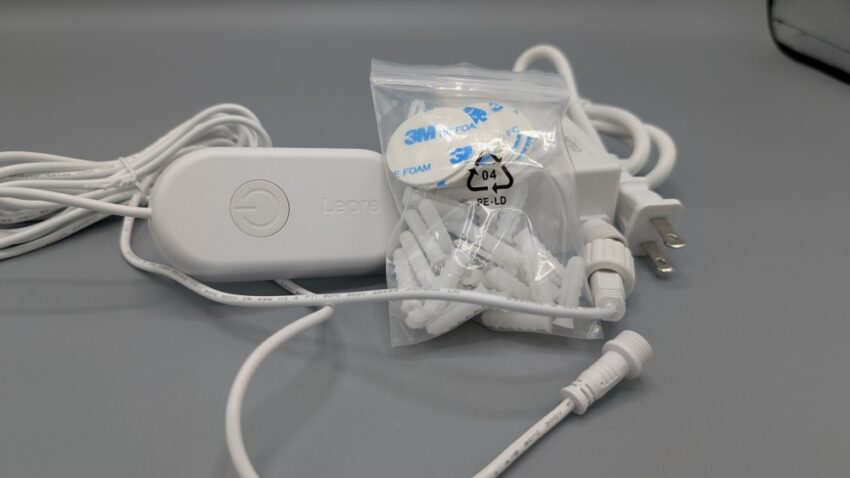
Step one for attaching is to clean the surface. A dirty surface (either wood or plastic) pretty much ensures that the adhesive will fail. Since I have about a million disinfectant wipes left over from 2020, I used those to clean any spot I was going to attach a light. Rather than measure out so that I had the perfect number of lights, I just (mostly) stretched the cable as far as it would go and used that as my measurement. In a few spots, I needed to shorten the distance slightly because of rounding a corner or because of the plastic soffit. Also, rather than use some sort of guide to keep the distance from the home perfectly uniform, I just eyeballed it. I live in Florida, and it was kinda miserable outside, so I wasn’t feeling too motivated to stay out there any longer than I had to.
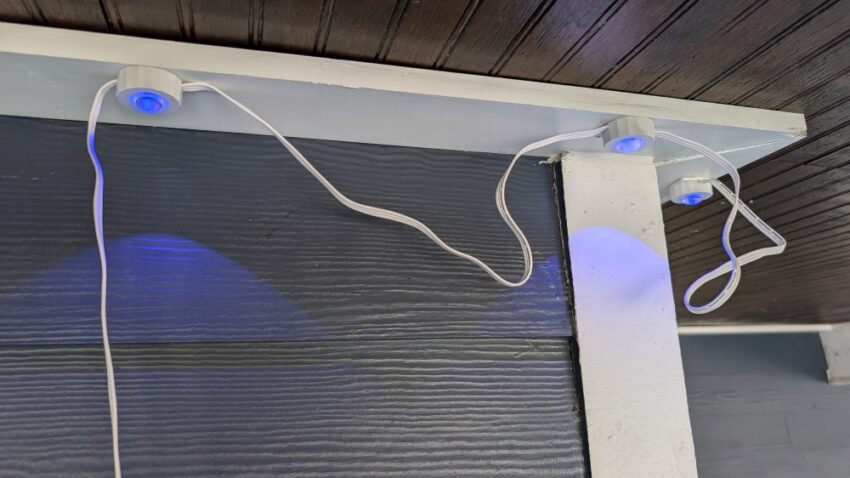
I would clean all the spots I could reach from my ladder placement, wait for them to dry, and then attach the lights. Seems super easy and quick! Right?
Installation Issues
The biggest “problem” I had with the installation was…drumroll…me! I thought that using disinfectant wipes would make my job easy. They are just alcohol or something and should dry really quickly. Well, apparently, they didn’t dry quickly enough for me. The Lepro E1 lights would stick really well with their 3M adhesive backing to a clean and dry surface. Unfortunately, I was often a little too impatient and tried to stick them when the surface was still a little wet.
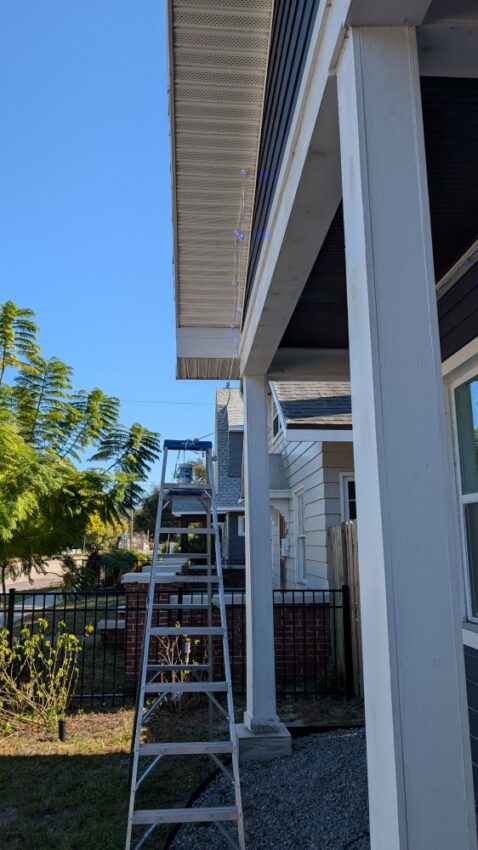
Luckily, the adhesive was pretty forgiving and if I waited a little longer, the light would stick without a problem. There were only two lights I had to go up the next day and replace the adhesive with another. Lepro was very prescient in including extra adhesive discs.
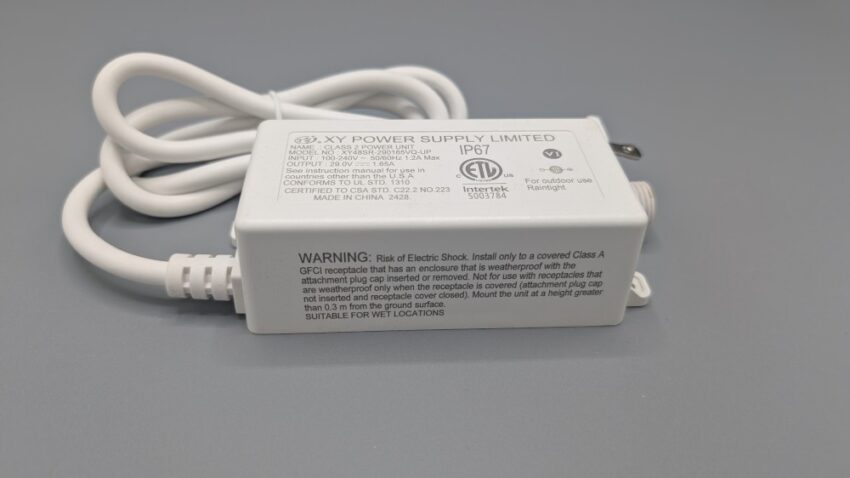
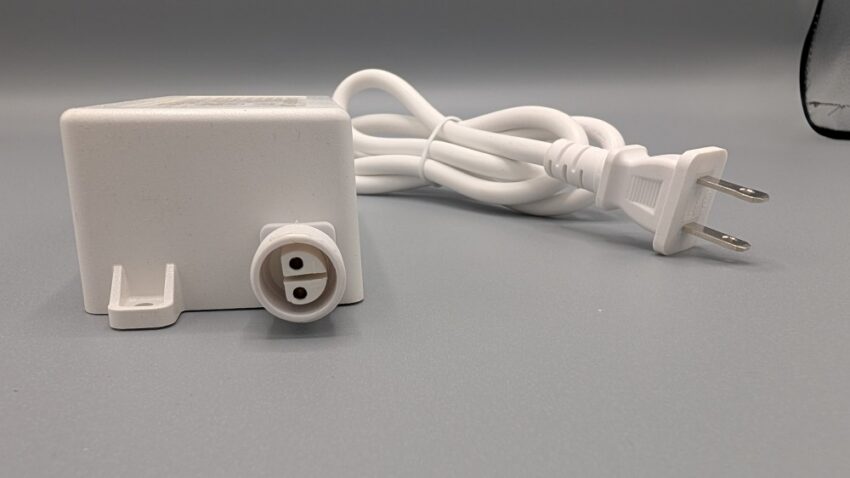
Other than that, installation was a breeze. The lights all connected together easily, the app recognized them immediately (you just press the button on the control box near the plug), and they’ve been working for a couple of months now without so much as a hiccup. But it hasn’t all been fun and games.
The Lepro App
The Lepro E1 lights are controlled by the Lepro app. I’m a big believer that apps should, at their heart, be somewhat intuitive. You can make that argument for the Lepro app. I wouldn’t, but you could. The landing page is the “AI” interface. Here, you ask the AI to make changes to your lights. From what I could tell, it will set up color combinations for you (Christmas colors or rainbow for example). It will not set start and stop times for you. To access start and stop times, you’ll need to press the “cog” button on the top right which will include “wake up” and “wind down” controls. These controls include a brightness setting (not sure why you need this for the wind down) and gradual dimming. Gradual dimming can be set between 10 and 30 minutes on a slider. If these controls sound confusing, I agree.
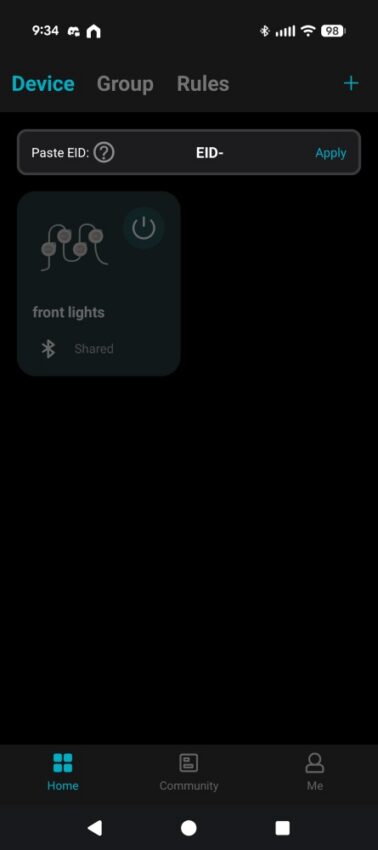
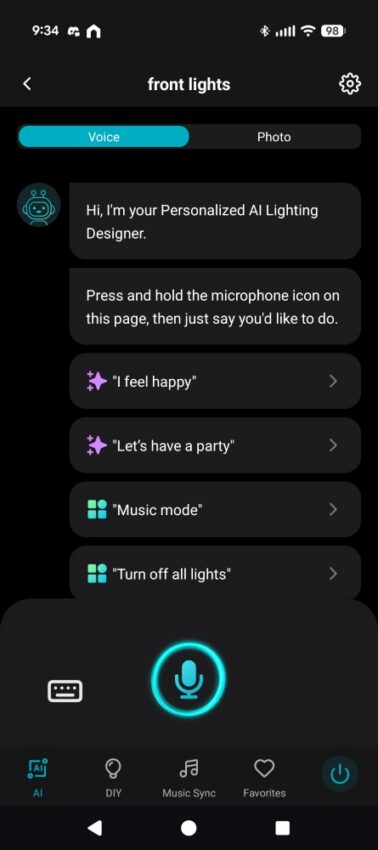
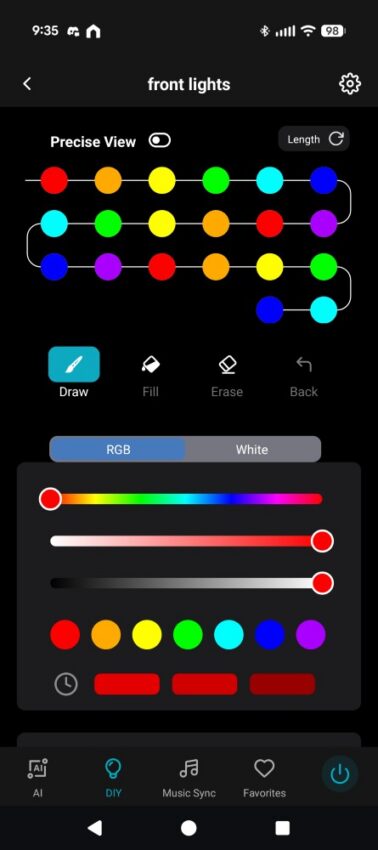
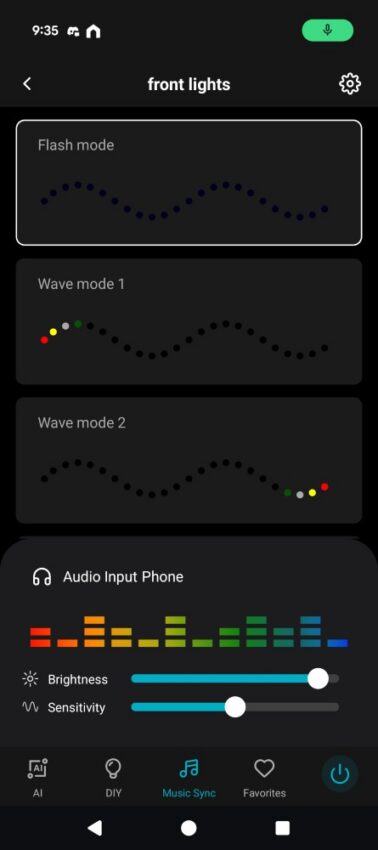
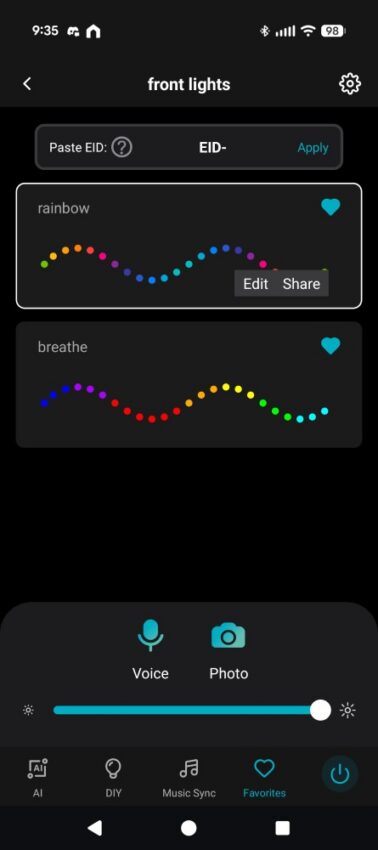
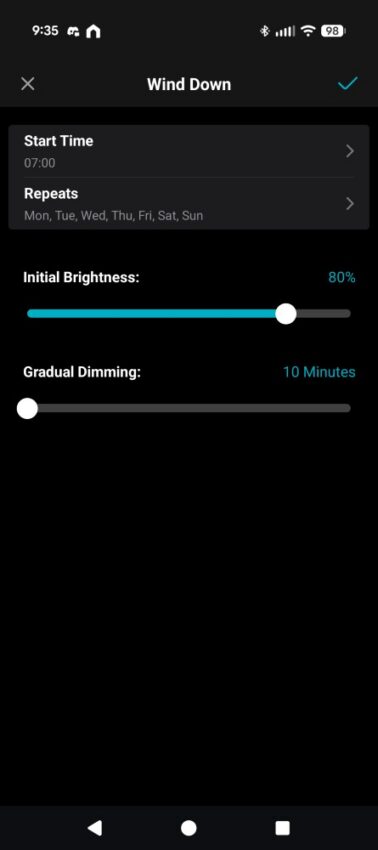
The rest of the controls are only accessible when the lights are on (not sure why this is the case). There is the DIY screen where you can directly control the lights, the Music Sync screen for having your lights pulsate to your music (not something I’m interested in so I didn’t play with it much), and a favorites screen. Anything you set in your DIY screen (or via the AI) can be saved to your favorites. The DIY screen, for the most part, is where the real magic happens. It’s also the most confusing part of the whole experience.
Getting the Lights to do what You Want
I’ve played around with the Lepro app enough to get the E1 lights to do basically what I want. The problem is, I’m not sure how I did it! For example, take the two screens below:
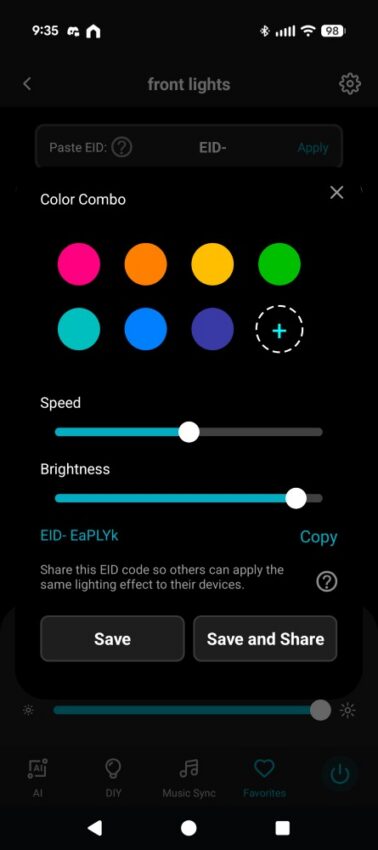
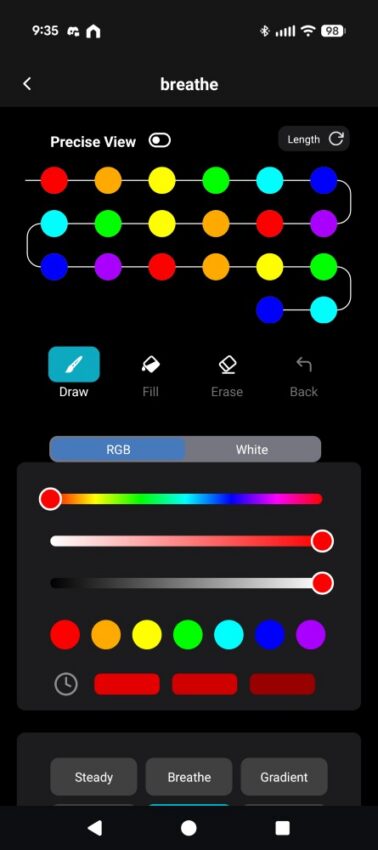
Both of these screens are taken from hitting the edit button on one of the two favorites. Both of the favorites have the lights in a rainbow pattern with them slowly changing colors as if they are chasing around the front of the house. On the screen on the left I created the setting by using the AI with the prompt “rainbow lights that rotate”. The screen on the right is a similar setting that was created by using the DIY screen. Why are they different? I have no idea.
You can also share light configurations and download configurations that others have created. I could see lighting motifs that I liked, but I could never get them to load into my app. Why? Again, I don’t know.
But Do You Like Them?
You can make the argument that I could spend some time watching instruction videos and figuring out how to more accurately control the Lepro E1 lights. I like to do a more “everyman” review. I do what I think most reasonable people would be willing to do to set everything up and get it working. In the end, the app was user-friendly enough that I could get the lights to do basically what I wanted. Could I have controlled each individual light and set each to the exact color I wanted? Yes! The Lepro E1 has that functionality. But I would never do that so what would I do it for a review?
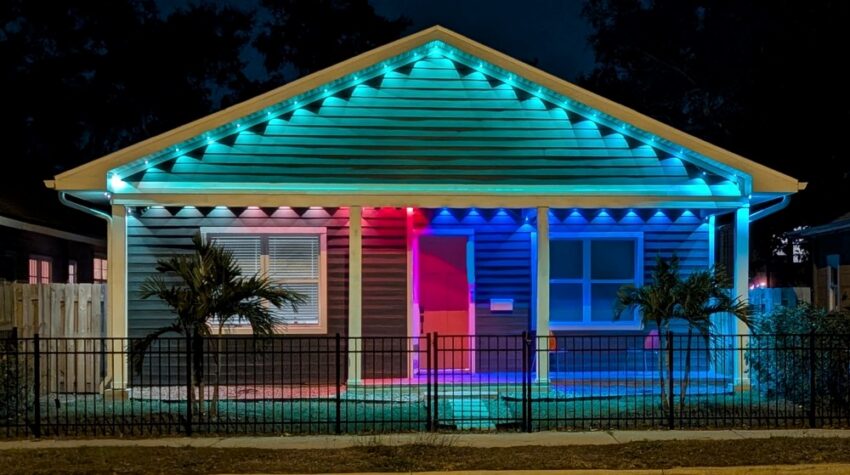
The takeaway for me is that I love the way that the Lepro E1 lights have transformed the front of my home. Every time I drive by my home and see the lights on, I smile. Our previous home flooded during Hurricane Helene and we recently moved into this new home. It didn’t really start to feel like “home” for me until I set up the Lepro lights. No single thing we’ve done has made it feel more like home. If that isn’t a ringing endorsement, I don’t know what is!
Conclusion

The Lepro E1 and EE1 permanent outdoor lights are fairly easy to install, are rated for 50,000 hours of operation, and are functionally weatherproof. While they aren’t cheap, they are a one-time installation that will last you for years. You can change them for each season/holiday and save your lighting solutions for each. This means that once you’ve set up the lights , you don’t need to redo them year after year. Just select last year’s preset and you’re done! While the app could be more user-friendly, it’s functional enough that you can get what you want done without having to spend hours working on it. Yes, if you get these for your parent’s house, you’ll have to set them up and configure them. But you’ll only have to do it once so…that isn’t too bad. I’m reconfiguring my Dad’s remote every couple of months anyhow!