Why Won’t My Sub Turn On Unless It’s Really Loud? Part 2 – Solutions
You didn’t think we were going to leave you hanging without some solid fixes, did you? In our last article, we broke down why your subwoofer might be refusing to wake up unless the volume’s cranked to 11—whether it’s low AVR output, conservative auto-on sensitivity, or just a plain old misconfigured setting. Today with Why Won’t My Sub Turn On Unless It’s Really Loud? Part 2 – Solutions – we explore that!
Let’s get to the good stuff. If your subwoofer is only coming alive during the loudest scenes, you don’t have to live with that. From simple gain tweaks to smart cabling solutions, and even a few tricks that only seasoned enthusiasts tend to know, we’ve put together a list of real fixes that actually work—no snake oil, no fluff.
So before you start shopping for a new sub, try these first. You might be just one setting away from bass that’s always ready when you are. Let’s discuss
Adjust Subwoofer Gain And AVR Output
This solution is generally the easiest. Set the subwoofer gain lower, between 30-60%, and rerun your AV receiver’s room correction. You should see the trim level set lower which will increase the output to the LFE channel.
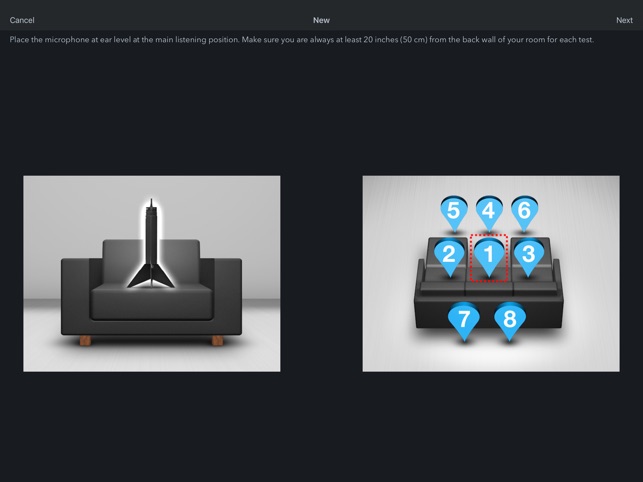
If you like your bass a bit hot, go ahead and bump that trim up a little bit, after you have run your room correction. I have my dual SVS PB1000 Pro’s set to -18 for calibration purposes (I follow Rob H’s A 12 Step Guide to Setting Up Dual Subwoofers), but I goose them for movies. We are home theater enthusiasts, we love bass!
Switch Auto-On to Always-On
Most subwoofers with auto-on have three choices: off, auto-on, always-on. If you still can’t trigger the subwoofer into firing up from sleep, consider keeping it on all the time.
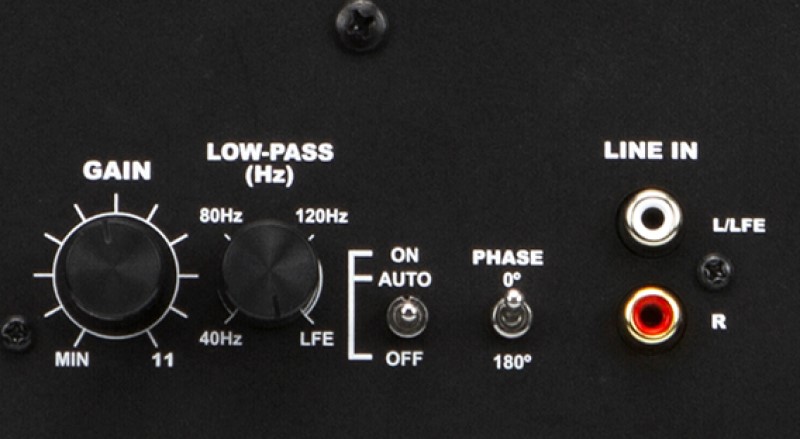
I know that you will use more electricity and that costs money. But I accidentally had my older, far less efficient subwoofers set to always-on for 6 months and I didn’t notice any significant increase in my power bill. I am not saying that your situation will be the same, but we have LOTS of electronics that sit idle all the time.
I’d give it a try and look at the power bill before I discount this solution.
Reset Your AV Receiver
You messed with the settings, can’t remember what you did, and now stuff doesn’t work. Start over, my friend. I’ve started from scratch for an article, and I’ve done it because I messed something up and couldn’t troubleshoot my way out of it. There is no shame in this, just the inconvenience of starting over.
The good news is that most modern AV receivers use apps or computer software to run the room correction program. This means that typically, you restore a backup of the settings, and you don’t have to re-run your room correction software.

Use The 12v Trigger
This is a very simple fix. Most subwoofers have a 12v trigger input, and many AV receivers have the same output. Connect the pair with a 3mm cable and the AV receiver will send a trigger signal to the subwoofer when it powers on to wake up.
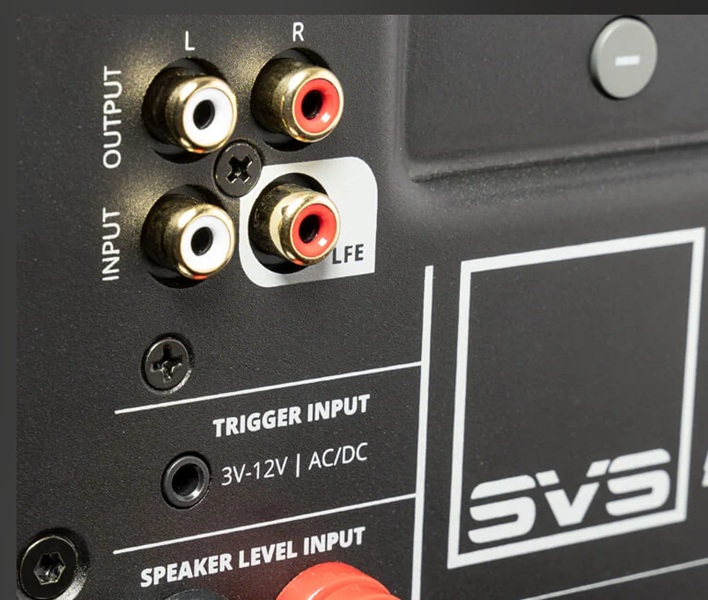
I have used the same output to wake up an older external amplifier that didn’t have a remote. It’s not a new feature, but it’s a simple fix.
Use a Y-Splitter/Replace The Cable
This fix never occurred to me until I started to do research for the article. Most subwoofers have a pair of RCA (L&R) inputs, with one marked as LFE, which is connected with a single subwoofer cable. In some cases, if you connect a y-splitter to the L&R inputs, this can boost the signal enough to trigger the auto-on feature.

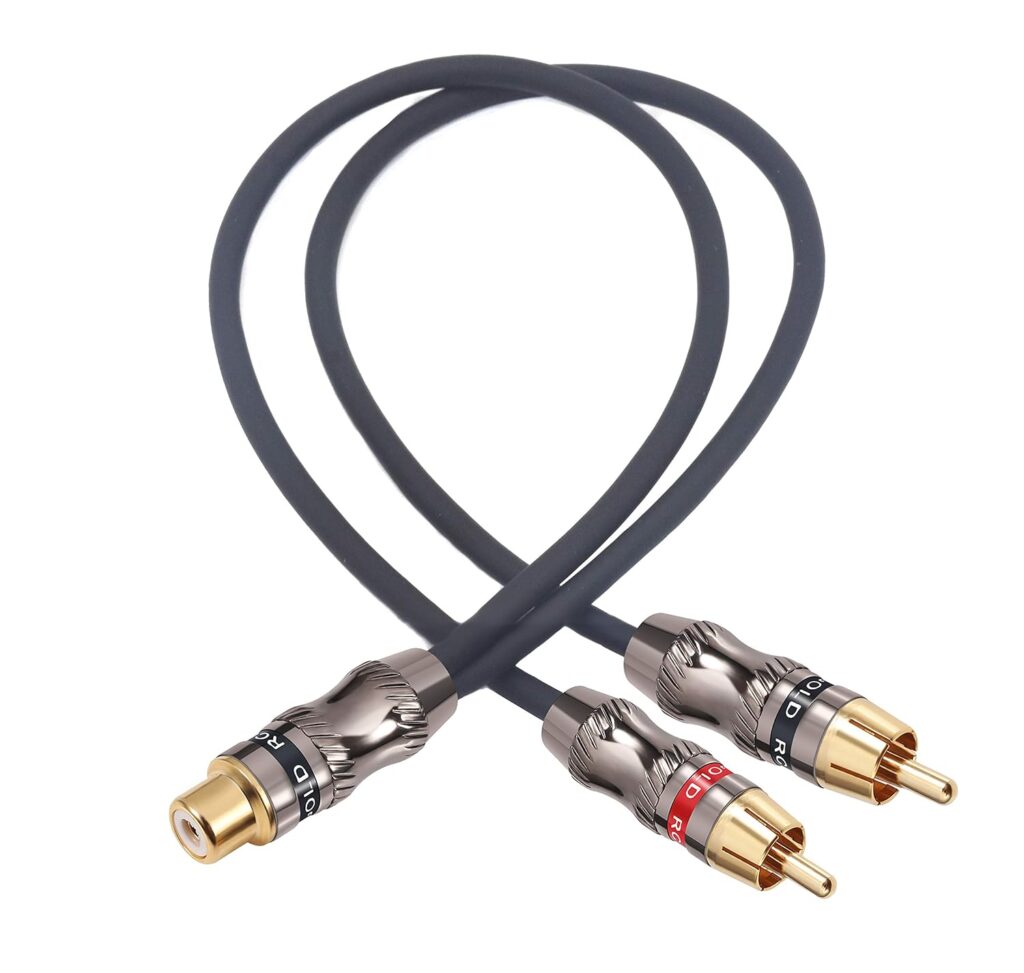
The other option is to replace the cable. If the connection is loose or it is an unshielded cable, get a new one. Amazon Basics provides very cost-effective, long-run cables that are shielded and have solid connections. Treat your subwoofer right and get it a proper cable.
Update Your Firmware
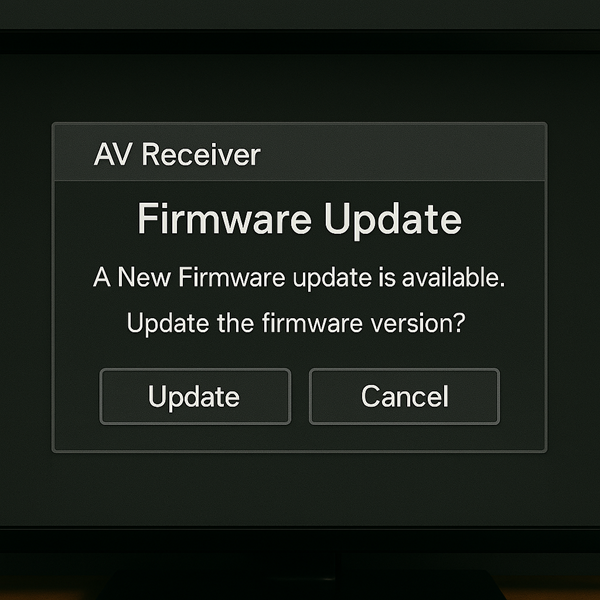
With all the circuitry in modern gear, there might be a chance that a firmware update is needed. Oftentimes, it’s as easy as using an internet connection to connect to your AV receiver. Let the box do its magic and see if your problem goes away!
Last Resort – A New Sub
I am not quick to tell people to upgrade, especially if what you have is adequate, but might need some tweaking. That said, if none of these work for you, it might be time to get a new subwoofer.
The good news is that we have a ton of high-quality subs available to us, and most have solved the “auto-on” feature. Plus, if your sub is that budget or old, maybe it’s time for an upgrade.
Our Take
The subwoofer is supposed to add depth and impact to your sound, not stress. If yours only turns on when things get loud, that’s not normal and it’s not something you have to live with. Hopefully, we answered your question, why won’t my sub turn on unless it’s really loud?
In most cases, a few simple setting changes can solve the problem. And if not, there are affordable accessories or smarter subwoofers that can. Either way, your home theater deserves consistent bass response without needing to break the bank to get it.